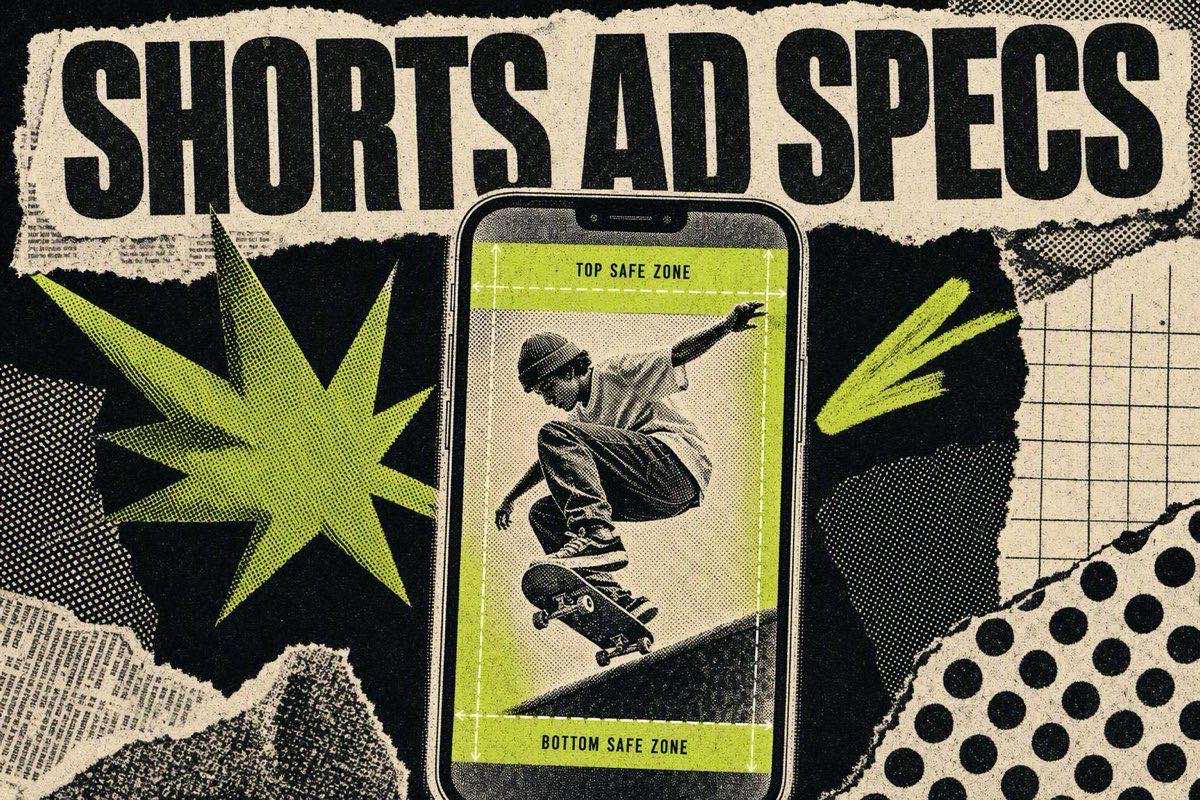
YouTube Shorts ads run vertically at 9:16, 1080x1920 recommended resolution, and Shorts themselves can be up to 3 minutes long at a maximum of 1080p, per YouTube's own Shorts documentation. Ads serve inside the Shorts feed through Google Ads video campaigns, and the creative sits in the same vertical, sound-on, swipe-driven context as an Instagram Reel. Getting the dimensions right keeps your ad from being cropped into nonsense, but it won't make anyone stop scrolling. That is why most of this guide covers the Shorts-specific creative rules, not just the spec table.
YouTube Shorts ad specs
- Spec — YouTube Shorts ad
- Aspect ratio — 9:16 (vertical)
- Recommended resolution — 1080x1920 (1080p)
- Orientation — Vertical, full-screen
- Shorts length — Up to 3 minutes (per YouTube)
- Practical ad length — Aim for the first 3 seconds; most winners run well under 60 seconds
- Sound — Sound-on is the default viewing context
- Captions — Recommended, since a share of viewers still watch muted
YouTube confirms two hard numbers directly: a Short can run up to 3 minutes and uploads at a maximum resolution of 1080p. The 3-minute ceiling is the format limit, not a target. Shorts ads live or die in the opening seconds like every other short-form placement, so treat the practical length as "as short as the message allows," not "as long as YouTube permits."
Because Shorts ads are bought through Google Ads rather than uploaded as an organic Short, the campaign type (Demand Gen or Video) decides where the ad serves. For the Shorts feed, the creative requirement that matters is the vertical 9:16 frame. A landscape or square video can run in a Video campaign, but it will not fill the Shorts placement, and a letterboxed ad in a full-screen vertical feed reads as an ad on sight.
The safe zone: keep the right and bottom edges clear

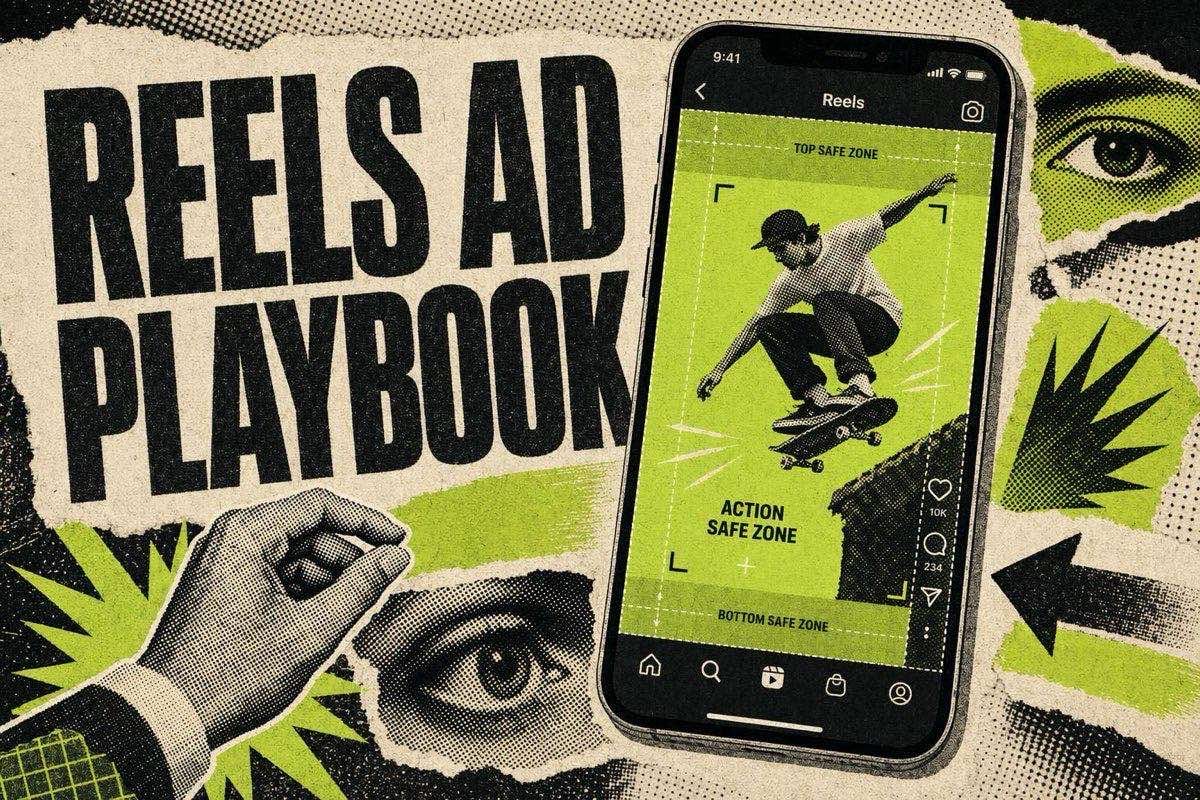
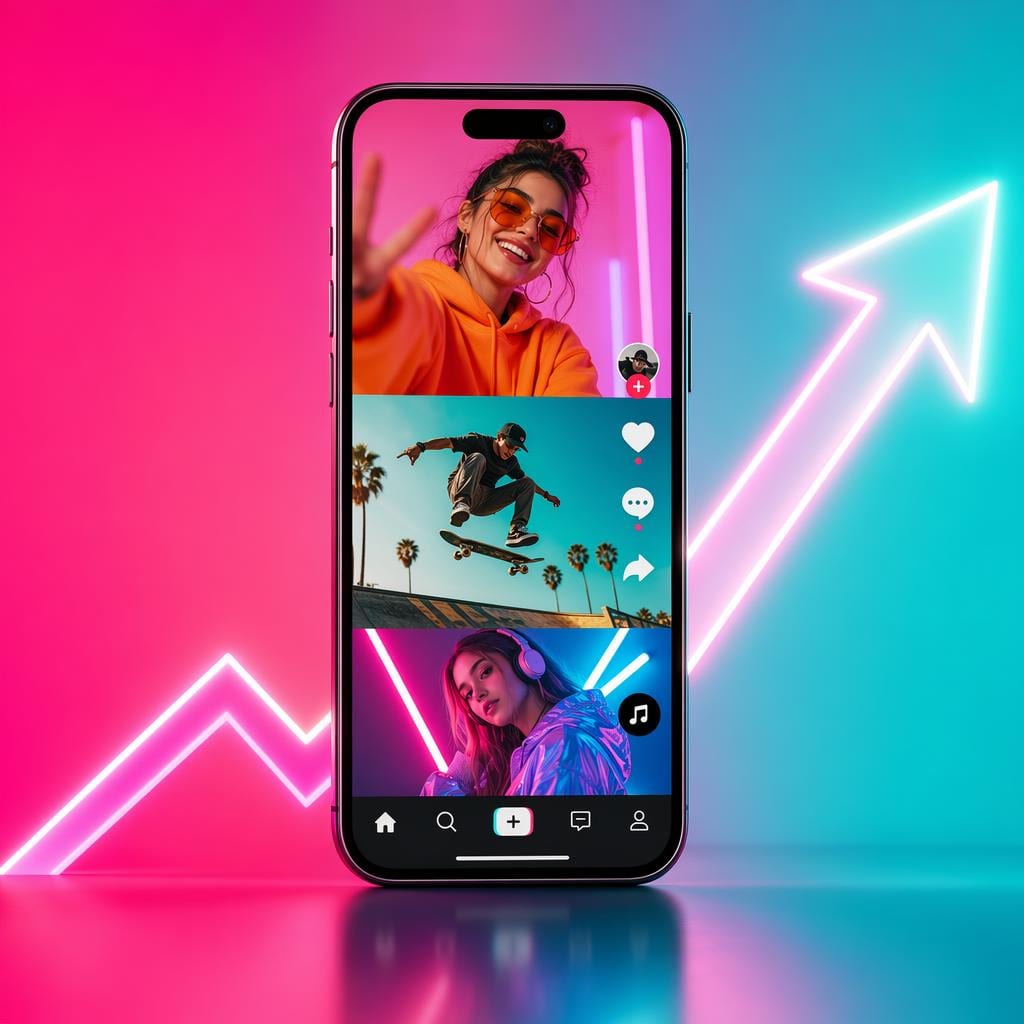
Like Reels, the Shorts interface draws elements on top of your video, and anything important underneath them is invisible. The right rail carries the like, dislike, comment, and share icons plus the channel avatar. The bottom carries the channel name, video title, and CTA. On the Shorts feed, a "Sponsored" label and an action button sit low on the screen for ads.
The practical rule is the same one that governs Instagram Reels ad specs: keep your hook text, offer, price, and product name in the middle band of the frame, away from the bottom third and the right edge. Everything a viewer needs to read has to survive the interface being drawn on top of it. First-time Shorts advertisers who port a Reels or feed creative straight over usually lose their offer text behind the action button, because the UI overlays sit in slightly different places than they do on Meta.
Design once for the tightest case: middle-band text, nothing critical in the bottom 30 to 35 percent, nothing critical in the right 10 to 15 percent. A creative that respects that on Shorts will also survive Reels and TikTok-style placements without a reframe.
Sound-on by default
Shorts is a sound-on surface. The feed autoplays with audio and viewers arrive expecting it, the opposite of a muted feed scroll. That changes how the hook has to work.
- Write the hook to be heard, not only read. A spoken opening line does the work in the first second, and on-screen text should reinforce it rather than replace it.
- Do not lean on background music alone. A track with no spoken hook wastes the sound-on advantage. Let the voice carry the hook and keep the music as backing.
- Caption it anyway. A fair share of viewers still watch muted out of habit or environment, and captions are a cheap way not to lose them. The same logic applies to Reels.
Native-feel editing beats polish
A Shorts ad competes in a feed of organic, phone-shot, creator-style content. One that announces itself as an ad loses attention before the hook lands. The fix is the same pattern-interrupt logic that makes hooks work: match the visual grammar of the feed for the first few seconds so the eye does not file your ad under "ad" and scroll past on reflex.
Concrete swaps that move a Shorts ad from commercial to native:
- A phone-shot look instead of a studio rig, at least for the opening seconds.
- On-screen text in the platform's caption style, not a branded lower-third.
- Delay the logo. A brand mark in frame one signals "ad" before the hook has earned attention, so push branding to the middle or end.
- Cut fast early, then settle. Match the pacing of organic Shorts for the hook, then slow into a normal edit once the viewer has committed.
The complete guide to UGC ads covers the production side of this, and the six-step AI video ad workflow covers how to generate and test these variations without a shoot.
Shorts vs Reels: what changes for the creative
Both formats use a 9:16 vertical canvas, default to sound on, and run in a swipe-driven feed, so one well-built vertical master can serve both. What differs is placement mechanics and buying, not the creative shape.
- Factor — YouTube Shorts — Instagram Reels
- Aspect ratio — 9:16 — 9:16
- Recommended resolution — 1080x1920 — 1440x2560 (1080x1920 still uploads)
- Max length — 3 minutes — 15 minutes
- Sound default — On — On
- Bought through — Google Ads (Demand Gen / Video) — Meta Ads Manager
- Licensed trending audio in ads — Restricted, use original or library audio — Restricted, use original or Meta Sound Collection
Shorts and Reels don't need separate creative. The same vertical, sound-on, hook-first master works across both, and the differences (resolution recommendation, buying platform, where the UI overlays sit) are refinements you apply to one asset, not reasons to shoot twice. For the full cross-platform breakdown, see what actually transfers between Shorts and Reels.
Common YouTube Shorts ad mistakes

- Running a landscape or square video in the Shorts feed. It letterboxes, wastes the full-screen frame, and reads as an ad on sight. Build 9:16.
- Burying the offer in the bottom third. The CTA button and channel info overlay the bottom of the frame, so any price or offer text there gets covered on a real device.
- Silent-first creative. Shorts autoplays with sound, so an ad with no spoken hook throws away its biggest advantage over a muted feed.
- Branding in the first frame. A logo before the hook signals "ad" and triggers the scroll.
- Treating the 3-minute ceiling as a target. Length is not the format's strength. The first three seconds are.
FAQ
What is the correct size for a YouTube Shorts ad?
The aspect ratio is 9:16 vertical, and the recommended resolution is 1080x1920. YouTube supports Shorts up to 1080p, so 1080x1920 is the practical build size for the feed. A landscape or square video will letterbox in the vertical placement.
How long can a YouTube short be?
Up to 3 minutes, per YouTube's official documentation. For an ad, that ceiling is not a target. Most Shorts ads that scale run well under a minute, and the opening three seconds carry the outcome no matter the total length.
Are YouTube Shorts ads the same as Reels ads?
The creative is nearly identical: both are 9:16, vertical, sound-on, and hook-first, so one master usually serves both. What differs is the buying platform (Google Ads for Shorts, Meta Ads Manager for Reels), the recommended resolution, and where the interface overlays sit. See what transfers between Shorts and Reels.
Should YouTube Shorts ads have sound?
Yes. Shorts autoplays with sound and viewers expect it, so design the hook to be heard. Add captions too, since some viewers still watch muted, but do not build a silent-first ad the way you might for a muted feed placement.
Can you use trending music in a YouTube Shorts ad?
Licensed trending tracks are restricted in paid ads the same way they are on Reels. Use original audio or a licensed library track to recreate the pacing and structure a trending sound encourages, rather than the literal song, so a copyright claim does not pull the ad mid-flight.
Correct specs keep your Shorts ad from being cropped into nonsense. What earns the watch is still the opening hook. Compare how openers differ across platforms in Shorts hooks vs Reels hooks, pull ready-to-shoot concepts from the free AI prompt library, and get one new winning ad breakdown in your inbox every week with the HookAds newsletter.
The AI Ad-Making Kit
$99Make hyperreal AI video and image ads for any brand, with free AI tools. No camera, no agency.
- 10 modules
- 300+ hooks
- 500+ prompts
Canva ad templates, free.
Proven D2C ad layouts. Swap in your product, export, launch.
Browse templates →Want to act on what you just read?
Browse 3,400+ free, Canva-ready ad templates sorted by industry. One click to open, five minutes to customise.
Browse Free Templates