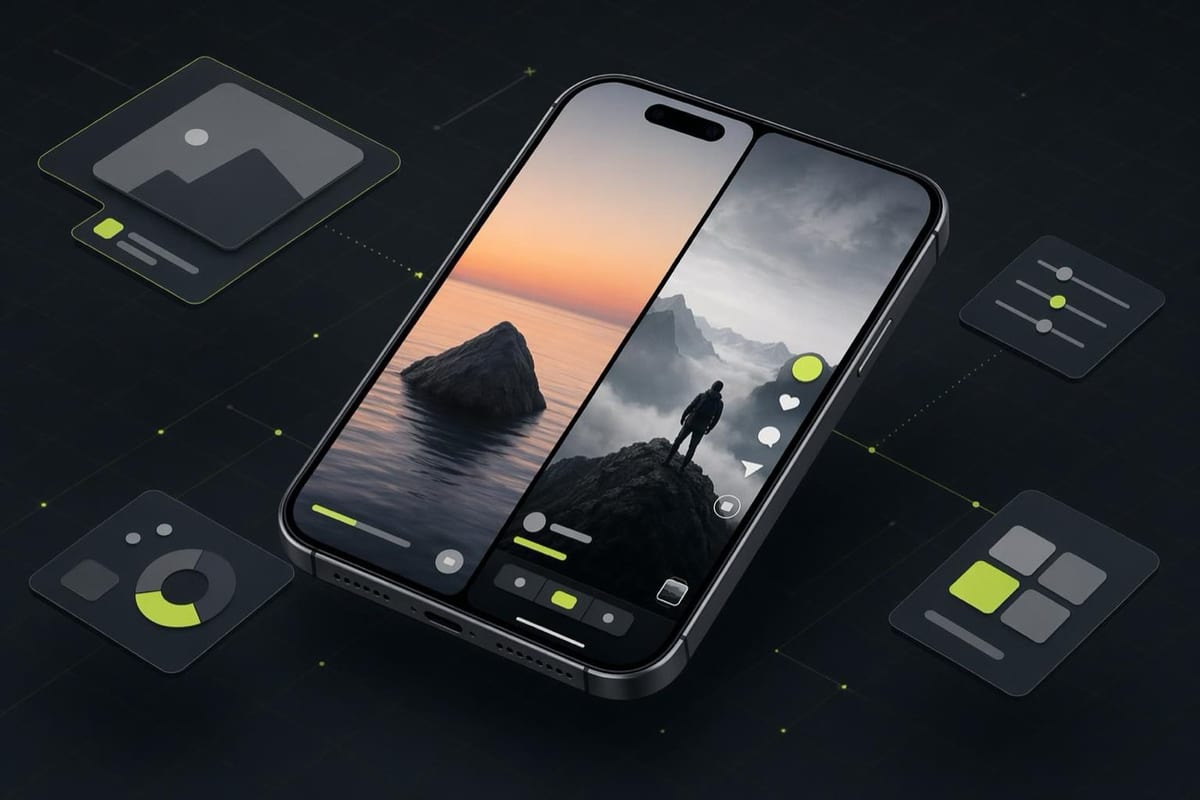
Story ads and Reels ads both take over the full screen in vertical format, and both appear on Facebook and Instagram. Beyond that, they behave differently, attract different viewer intent, and need different creative logic. Running the same video in both placements without adjusting for the difference between them is one of the most common ways brands waste vertical video budget.
Here is what each one is, the specs you need, and how to decide which to prioritize.
Story Ads
Stories on Facebook and Instagram are the ephemeral content format: 24-hour posts that play in a full-screen tap-through experience. Story ads appear between organic stories from accounts the viewer follows. They auto-play for up to 15 seconds and can be tapped to skip immediately.
The viewer is in a rapid-tap mode: they are swiping through friends' posts, not leaning back to watch. That means you have roughly 3 seconds of attention before a tap sends the ad away. The hook has to be visual and immediate, the brand identity has to be visible early, and any call to action needs to work with the "swipe up" (or "learn more" tap) mechanic that has replaced the swipe-up gesture across most placements.
Story ad specs (from facebook.com/business/ads-guide)
- Recommended ratio: 9:16 (full-screen vertical)
- Recommended resolution: 1080 x 1920 pixels
- Safe zone: keep key visual elements and text within the center 1080 x 1420 pixels to avoid being covered by the progress bar at the top and the CTA button at the bottom
- Video max length: 15 seconds (longer videos are cut or split by Meta)
- Image display time: 5 seconds per image
- Max file size: 4 GB (video), 30 MB (image)
- File types: MP4, MOV (video); JPG, PNG (image)
- Text: keep primary text and any baked-in creative text within the safe zone
Reels Ads
Reels ads appear within the Reels feed on Instagram and Facebook, the algorithmically-served short-video discovery surface. Unlike Stories, viewers on Reels are in an active discovery mode: they are not just tapping through posts from people they follow. They are being shown content Meta thinks they will find interesting, from accounts they may never have seen before.
This matters for ad creative. A Reels viewer is more likely to watch a well-made video past the first few seconds than a Story viewer who is in skip mode. Reels also loop, so a video that earns a second watch gets organic reach benefits on the organic side, and quality content from creators that brands boost as Spark ads can accumulate comments and shares.
Reels ads also run longer than Stories. Up to 60 seconds is supported for ads (though Instagram's organic Reels limit is 90 seconds for organic posts), and the format rewards content that holds attention rather than front-loading the entire message in 3 seconds.
Reels ad specs (from facebook.com/business/ads-guide)
- Recommended ratio: 9:16
- Recommended resolution: 1080 x 1920 pixels
- Video max length: 60 seconds for ads
- No image option: Reels is video-only
- File types: MP4, MOV
- Max file size: 4 GB
- Audio: strongly recommended; Reels is a sound-on environment by default
- Safe zone: keep key text and visuals within the central area, away from UI overlays at the top and bottom
Always confirm current specs at facebook.com/business/ads-guide before producing.
Key Differences Between the Two
- Story Ads — Reels Ads
- Viewer intent — Tap-through, passive — Discovery, active
- Sound — Often off — Mostly on
- Ideal length — 6-10 seconds — 15-45 seconds
- Looping — No — Yes
- Content style — Quick visual hook, fast CTA — Narrative arc, entertainment
When to Use Each
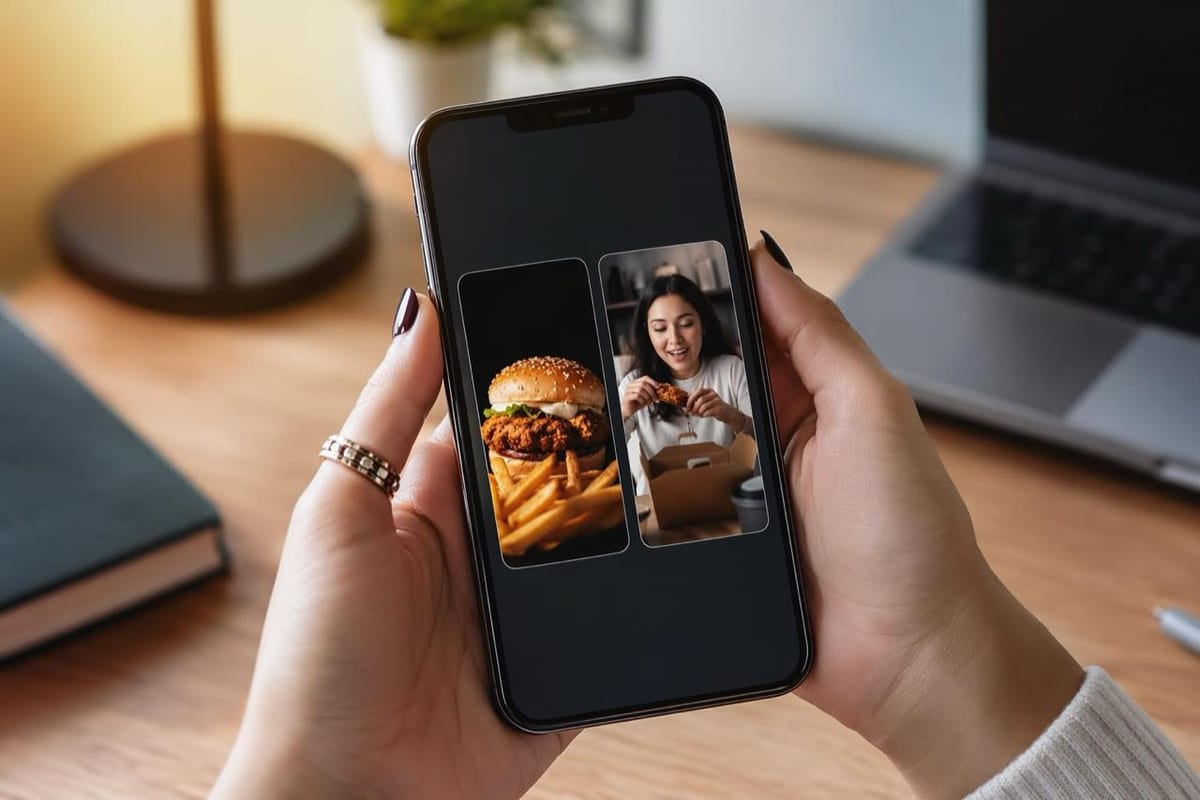
Prioritize Story ads when you have a simple, high-contrast visual message that lands in under 5 seconds, your product is visual (fashion, food, beauty, physical goods), and your campaign is retargeting an already-aware audience. Stories work with retargeting because the viewer already knows the brand and the message just needs to create a trigger to act.
Prioritize Reels ads when you are building awareness with cold traffic, your product needs a demo or explanation, you are working with a creator who makes content natively for the Reels format, or you want the creative to have a chance at organic virality (especially if running as a Spark ad on the creator's handle).
A Real-World Use Case
A food delivery brand tests the same 30-second recipe-style video across both placements. In Stories, the ad gets skipped at a much higher rate because the 30-second format mismatches the tap-through behavior of the format. They cut a 6-second version for Stories showing only the finished dish and a price, and keep the 30-second version for Reels where it plays against a discovery-intent audience and earns stronger completion rates.
One video, two cuts, very different costs per result.
Frequently Asked Questions
Can the same creative run in both Stories and Reels?
Technically yes, if it meets both sets of specs. But a video built for Stories (fast, text-heavy, designed for sound-off viewing) will underperform in Reels where longer, sound-on content fits the format. If budget allows, cut separate creative for each. If not, Reels creative tends to be more forgiving across placements than Stories creative.
Do Story ads still exist now that Meta has pushed heavily into Reels?
Yes. Stories remain a high-volume placement, particularly on Instagram. Meta's own data shows Stories placements often deliver strong reach and frequency at competitive CPMs. They are not a dead format, just a different one.
Should I use Automatic Placements and let Meta decide?
Automatic Placements (now called Advantage+ Placements) lets Meta serve the ad across all eligible surfaces and optimize where it performs best. This can work well if you have one piece of creative that genuinely fits multiple formats. If your creative was designed for one placement, manual placement selection gives you more control over where spend goes.
The AI Ad-Making Kit
$99Make hyperreal AI video and image ads for any brand, with free AI tools. No camera, no agency.
- 10 modules
- 300+ hooks
- 500+ prompts
Canva ad templates, free.
Proven D2C ad layouts. Swap in your product, export, launch.
Browse templates →Want to act on what you just read?
Browse 3,400+ free, Canva-ready ad templates sorted by industry. One click to open, five minutes to customise.
Browse Free Templates