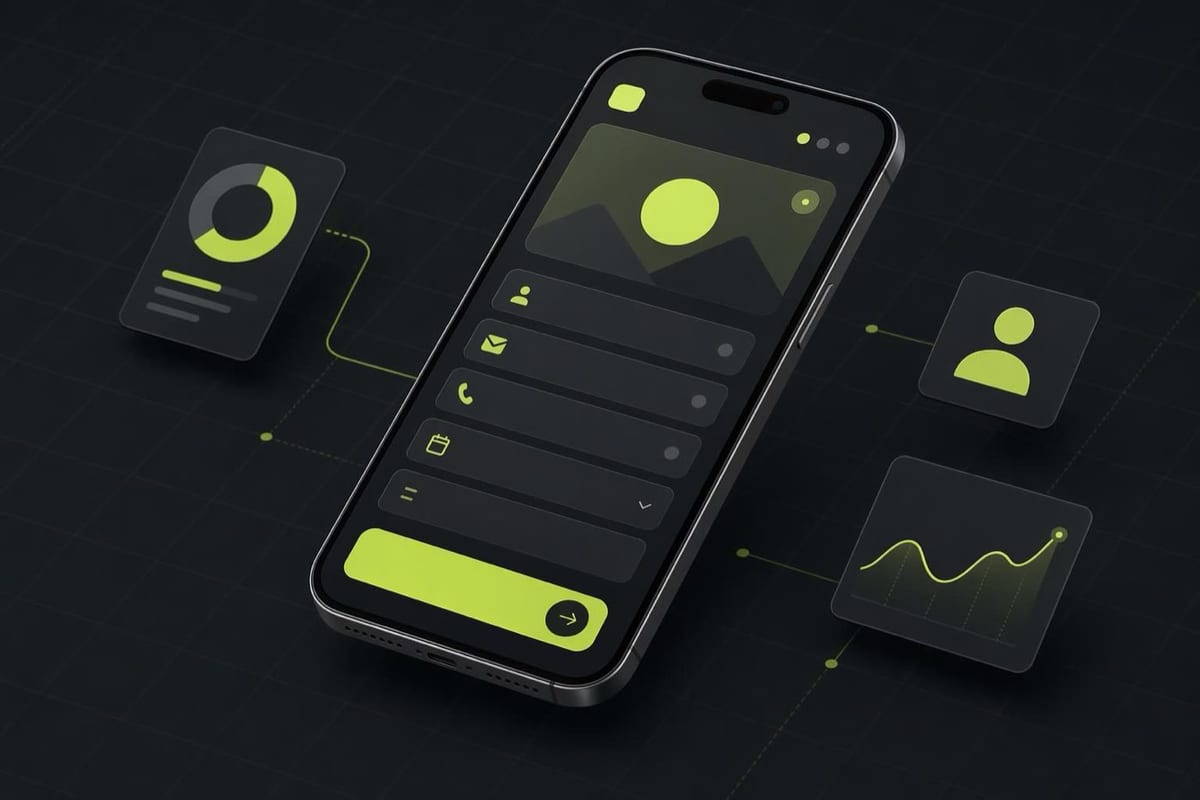
Lead ads collect contact information from people without making them leave the app. When someone taps the call-to-action button, a form opens inside Facebook or Instagram, pre-filled with information already on their Meta profile (typically name and email address). They review, tap submit, and they are done. No landing page, no re-typing an email address, no page load.
That frictionless path is the whole point of the format, and it is also what makes it different from almost every other Meta ad type.
What a Lead Ad Is
A standard Meta ad sends traffic to an external URL where a form sits on your own page. Lead ads cut that journey short. The form lives inside Meta's infrastructure, and Meta pre-populates the fields using data the person shared when they created their account.
You build the form inside Meta's Ads Manager (or in facebook.com/forms/creation), attach it to a Lead Generation campaign, and run it like any other Meta campaign. Submissions land in your Ads Manager under Forms Library, and you can set up automatic syncs to a CRM or email platform via native integrations (Mailchimp, HubSpot, Salesforce are all natively supported) or via the Meta lead API.
Ad Specs for Lead Ads
The lead ad format supports image, video, and carousel creative as the ad unit. The form is the payload. From facebook.com/business/ads-guide:
Image ads:
- Recommended ratio: 1.91:1 or 1:1
- Recommended resolution: 1080 x 1080 pixels (square) or 1200 x 628 pixels (landscape)
- Max file size: 30 MB
- File types: JPG, PNG
Video ads:
- Recommended ratio: 1:1 or 4:5
- Recommended resolution: at least 1080p
- Max file size: 4 GB
- File types: MP4, MOV
Form fields available: short answer, multiple choice, conditional questions, appointment scheduling, and Meta's default fields including email, phone, name, date of birth, city, state, country, and zip code.
Always verify the current spec at facebook.com/business/ads-guide before building.
When Lead Ads Beat a Landing Page
Lead ads win on friction. The average mobile landing page takes 3-5 seconds to load, and a meaningful portion of people who click an ad abandon before the page finishes loading. Inside Meta's app, the form opens instantly.
They are the right choice when:
You are capturing leads for a service business. A local gym, a financial advisor, a real estate agent, or any business where the next step is a phone call or appointment benefits from Meta's instant-open form because the audience does not need to evaluate a full page, they just need to leave their details.
You are running a giveaway, quiz, or lead magnet download. If the offer is clear and the value exchange is simple (enter your email, get the thing), the frictionless path tends to produce lower cost-per-lead than landing pages.
You are advertising to mobile-first audiences. On mobile, where the majority of Meta's traffic lives, a landing page with a form is a noticeably worse experience than a pre-filled in-app form. Lead ads exploit this asymmetry.
When a Landing Page Is Better

Lead ads produce lower-quality leads in some categories. Because submitting is so easy, some people do it without full intent. If your sales process requires highly qualified leads (high-ticket B2B, complex services), the friction of a landing page actually filters out tire-kickers and produces leads that convert at higher rates downstream.
Landing pages also give you far more room to sell before the form: testimonials, demos, comparison tables, case studies. A lead ad form is short by design. If your product needs more than a sentence of explanation to earn the lead, you probably want to direct people to a full page.
A Real-World Use Case
A yoga studio in Bengaluru runs a lead ad offering a free 7-day trial class. The form is three fields: name, email, phone. Meta pre-fills the name and email; the person adds their phone number and submits. The form submission triggers a webhook to their CRM, which sends a follow-up SMS within 5 minutes with a booking link.
Cost per lead is lower than their landing page test because the page required switching apps, loading, filling in all fields manually, and was missing an SSL badge that made some users hesitant. The studio converts a higher percentage of the lead-ad leads because the follow-up is faster: the prospect is still thinking about the ad when the SMS arrives.
Frequently Asked Questions
How do I download leads from a lead ad?
Go to your Facebook Page, click Tools in the top navigation, then Publishing Tools, then Forms Library. From there you can download a CSV of all submissions per form. For real-time lead routing, connect the form to a CRM or email platform using Meta's native integrations under the form settings, or use the leads webhook API documented at developers.facebook.com/docs/marketing-api/guides/lead-ads.
Can I use lead ads for Instagram as well?
Yes. Lead ads run on both Facebook and Instagram. When you select the Lead Generation objective and choose Advantage+ Placements (or manually select Instagram), your form will appear in the Instagram Feed and Stories placements. The pre-fill experience works the same way if the person is logged in to Instagram with their Meta account.
What are the privacy requirements for lead ads?
Meta requires every lead form to include a link to your privacy policy. You must also comply with applicable data protection laws in the regions where you run the ad. Meta's own policy requirements for lead ads are detailed at facebook.com/business/help/674704685734534. If you are running lead ads in India, the Digital Personal Data Protection Act 2023 imposes consent requirements that apply to how you store and use collected data.
The AI Ad-Making Kit
$99Make hyperreal AI video and image ads for any brand, with free AI tools. No camera, no agency.
- 10 modules
- 300+ hooks
- 500+ prompts
Canva ad templates, free.
Proven D2C ad layouts. Swap in your product, export, launch.
Browse templates →Want to act on what you just read?
Browse 3,400+ free, Canva-ready ad templates sorted by industry. One click to open, five minutes to customise.
Browse Free Templates