Carousel ads are a swipeable, multi-card format on Meta (Facebook and Instagram) that lets you pack up to 10 images or short videos into a single ad unit. Each card gets its own headline, description, and destination URL. When someone swipes through, you get multiple chances to hold attention with one ad buy.
That makes them one of the most flexible formats on the platform, but flexible is not the same as always right. Here is what carousel ads are good at, where they fall flat, and the exact specs you need before you build one.
What a Carousel Ad Is
A carousel displays between 2 and 10 cards in a left-to-right swipeable row. Each card can carry:
- A unique image or short video (15 seconds max per card)
- Its own headline (up to 255 characters, though shorter wins in practice)
- Its own description (up to 125 characters)
- Its own call-to-action button and destination URL, or a shared URL for all cards
The format is available across Facebook Feed, Instagram Feed, Facebook Marketplace, Audience Network, and Messenger. It does not run in Stories or Reels, where the full-screen vertical format takes over.
Specs and Requirements
Meta publishes official ad specifications at facebook.com/business/ads-guide. The numbers below reflect what is listed there for image carousels:
- Image ratio: 1:1 (square) recommended for Feed placement
- Image resolution: 1080 x 1080 pixels minimum
- File types: JPG, PNG
- Max image file size: 30 MB
- Number of cards: 2 minimum, 10 maximum
- Headline: up to 255 characters
- Primary text: up to 125 characters (anything beyond gets truncated with "See More")
- Video specs per card: MP4 or MOV, up to 1080p, 15-second max per card
Always pull the latest spec from Meta's own guide before building. Specs change, and a platform-native source is more reliable than any third-party roundup.
When Carousel Outperforms Single-Image Ads
Carousel has specific jobs it does well:
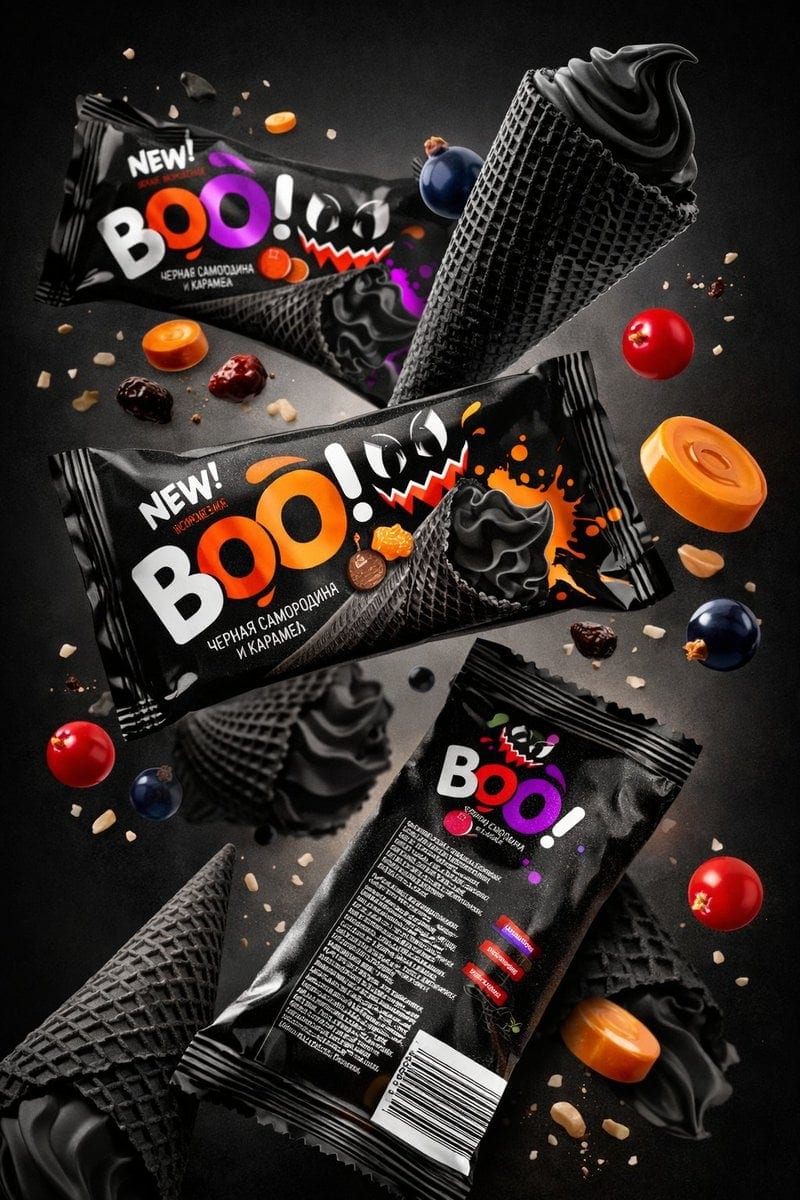
Showing a product line. If you sell multiple colorways, bundles, or variants, each card can show a different option. The viewer self-selects what appeals to them before they reach the landing page, which usually improves click quality.
Telling a visual sequence. The swipe mechanic creates an implied "what happens next" loop. Brands have used this for before-and-after progressions, step-by-step tutorials, and narrative arcs where each card advances the story. When someone is curious enough to swipe to card 3, their intent is higher than someone who saw one static image.
Catalog retargeting via Dynamic Product Ads. When carousel creative is connected to a product catalog and used for retargeting, Meta can auto-populate each card with products the viewer has already browsed. This is technically a separate format (DPA), but it runs on the carousel structure.
Price-anchored comparison. A carousel can walk someone from problem (card 1) to options (cards 2-4) to your product as the answer (card 5), with each card carrying one piece of the decision argument.
When to Use Something Else

Carousel requires active participation from the viewer. They have to swipe. If your audience is cold, unfamiliar with the brand, or you are running a pure awareness play, a single-image or video ad that delivers the full message in one frame often costs less per result because it does not ask for effort.
If your product is best explained in motion (a demo, a texture reveal, a quick recipe), a short video is usually a better choice than breaking it into 10 stills.
A Real-World Use Case
A direct-to-consumer skincare brand runs a three-card carousel in a warm retargeting campaign. Card 1 shows the problem: a close-up of dry, uneven skin with the copy "Still looking for something that actually works?" Card 2 shows the product being applied with a short customer quote as the headline. Card 3 shows a before-and-after result photo, pulls in a 4.8-star rating, and sends to the product page.
Each swipe is a micro-commitment. By the time the person taps Card 3, they have already spent 8-12 seconds with the brand in that one session.
Frequently Asked Questions
Can each card in a carousel ad link to a different page?
Yes. Each card can have its own destination URL, which makes carousel useful for sending traffic to specific product pages, category pages, or even test landing pages for the same campaign. If you want all cards to go to the same place, you can set one URL for the whole unit.
Do carousel ads work on Instagram Reels?
No. Carousel ads are a feed-format. Instagram Reels uses the vertical full-screen video format and does not support swipeable card units. If your objective is Reels placement, build a single vertical video instead.
How many cards should I use?
Two to four cards is where most brands see the most engagement per card. The more cards you add, the sharper the drop-off in swipe-through rate as you go deeper. Unless you have a genuine sequence that justifies 8 or 10 cards, fewer cards with stronger creative usually performs better than a full deck of 10.

The AI Ad-Making Kit
$99Make hyperreal AI video and image ads for any brand, with free AI tools. No camera, no agency.
- 10 modules
- 300+ hooks
- 500+ prompts
Canva ad templates, free.
Proven D2C ad layouts. Swap in your product, export, launch.
Browse templates →Want to act on what you just read?
Browse 3,400+ free, Canva-ready ad templates sorted by industry. One click to open, five minutes to customise.
Browse Free Templates